

Hey there! I'm a supplier of small fans, and I've seen my fair share of fans that stop working. It can be super frustrating when your trusty little fan just gives up on you, especially on a hot day. But don't worry! In most cases, you can fix a small fan all by yourself without having to rush out and buy a new one. In this blog, I'll walk you through some common issues and how to solve them.
Check the Power Source
The first thing you should do when your small fan isn't working is to check the power source. Sounds simple, right? But you'd be surprised how often this is the problem.
If your fan is plugged into an outlet, make sure the plug is securely inserted. Sometimes, it can get loose over time or if the cord gets tugged. Try plugging something else into the same outlet to see if it's working. If not, it could be an issue with the outlet itself. You might want to check the circuit breaker or fuse box to see if a breaker has tripped or a fuse has blown.
For battery - powered fans, take out the batteries and check if they're dead. You can use a battery tester if you have one, or just try swapping them out for fresh ones. Sometimes, the battery contacts inside the fan can get dirty or corroded. You can use a small piece of sandpaper or a cotton swab dipped in rubbing alcohol to clean them.
Examine the Cord
If your fan is connected to a power cord, give it a good look - over. Look for any signs of damage, like cuts, frays, or exposed wires. If you find any, it's a serious safety hazard. You can try to repair a minor cut or fray with electrical tape, but if the damage is extensive, it's best to replace the cord. You can usually find replacement cords at a hardware store or online.

Clean the Fan Blades
Over time, dust and dirt can build up on the fan blades, which can make the fan work less efficiently or even stop it from working altogether. Cleaning the blades is a pretty easy fix.
First, unplug the fan (if it's plugged in) or remove the batteries. Then, use a soft brush or a microfiber cloth to gently wipe away the dust. For stubborn dirt, you can dampen the cloth slightly with water or a mild cleaning solution. Make sure to dry the blades thoroughly before you plug the fan back in or put the batteries back in.
Lubricate the Motor
The motor is the heart of the fan, and sometimes it can get stiff or noisy because it needs lubrication. Most small fans have a small oiling port on the motor. You can use a few drops of light machine oil or sewing machine oil.
Before you start, make sure the fan is unplugged or the batteries are removed. Use a dropper to carefully add a few drops of oil into the port. Then, let the oil soak in for a few minutes and try turning the fan on. If it still doesn't work, you might need to do a more in - depth lubrication or there could be a bigger issue with the motor.
Check the Switch
The switch is what controls the power to the fan, and it can sometimes malfunction. If you suspect the switch is the problem, you can test it with a multimeter. Set the multimeter to the continuity setting and touch the probes to the switch terminals. If there's no continuity when the switch is in the "on" position, the switch is likely bad and needs to be replaced.
Replacing a switch is a bit more advanced, but it's doable if you're handy with tools. You can usually find replacement switches at an electronics store or online. Just make sure to match the voltage and current ratings of the original switch.
Inspect the Bearings
The bearings in the fan help the motor spin smoothly. If the bearings are worn out or damaged, the fan might make a lot of noise or stop working. You can try to hear if there's any unusual grinding or rattling noise when the fan is supposed to be running.
If you suspect the bearings are the problem, you'll probably need to take the fan apart. This can be a bit tricky, as different fans have different designs. You'll need to use the right tools, like screwdrivers, to open the fan housing. Once you have access to the bearings, you can check if they're loose, damaged, or dry. If they're dry, you can try adding a small amount of bearing grease. But if they're damaged, you'll need to replace them.
Our Small Fan Products
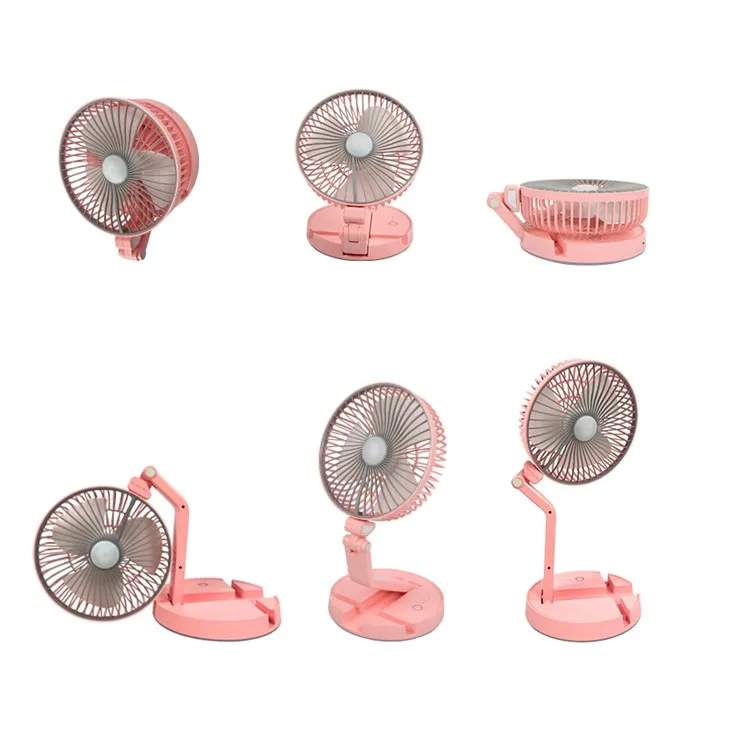
As a small fan supplier, I offer a variety of high - quality small fans. For example, the Desktop Foldable Small Fan is perfect for your desk. It's easy to fold and carry around, so you can take it with you wherever you go.
The Multi - Functional Desktop Small Fan comes with multiple functions, like different speed settings and oscillation. It can really keep you cool and comfortable in different situations.
And if you need a fan with a little extra, the Desktop Folding Lamp Small Fan combines a fan and a lamp in one handy device. It's great for those late - night study or work sessions.
Conclusion
Fixing a small fan that doesn't work doesn't have to be a headache. By following these steps, you can often get your fan up and running again. And if you're in the market for a new small fan, I'm here to help. Whether you need a fan for your home, office, or on - the - go use, I've got you covered.
If you're interested in purchasing our small fans or have any questions about fan repair or our products, feel free to reach out. I'm always happy to have a chat and help you find the perfect fan for your needs.
References
- Home Repair Manuals
- Online DIY Fan Repair Guides
- Small Fan Manufacturer's Documentation